Help that answers from the manual, not a guess
Day 2 · 16 Nov 2026 · Michele Memoli, café owner · 2 min read
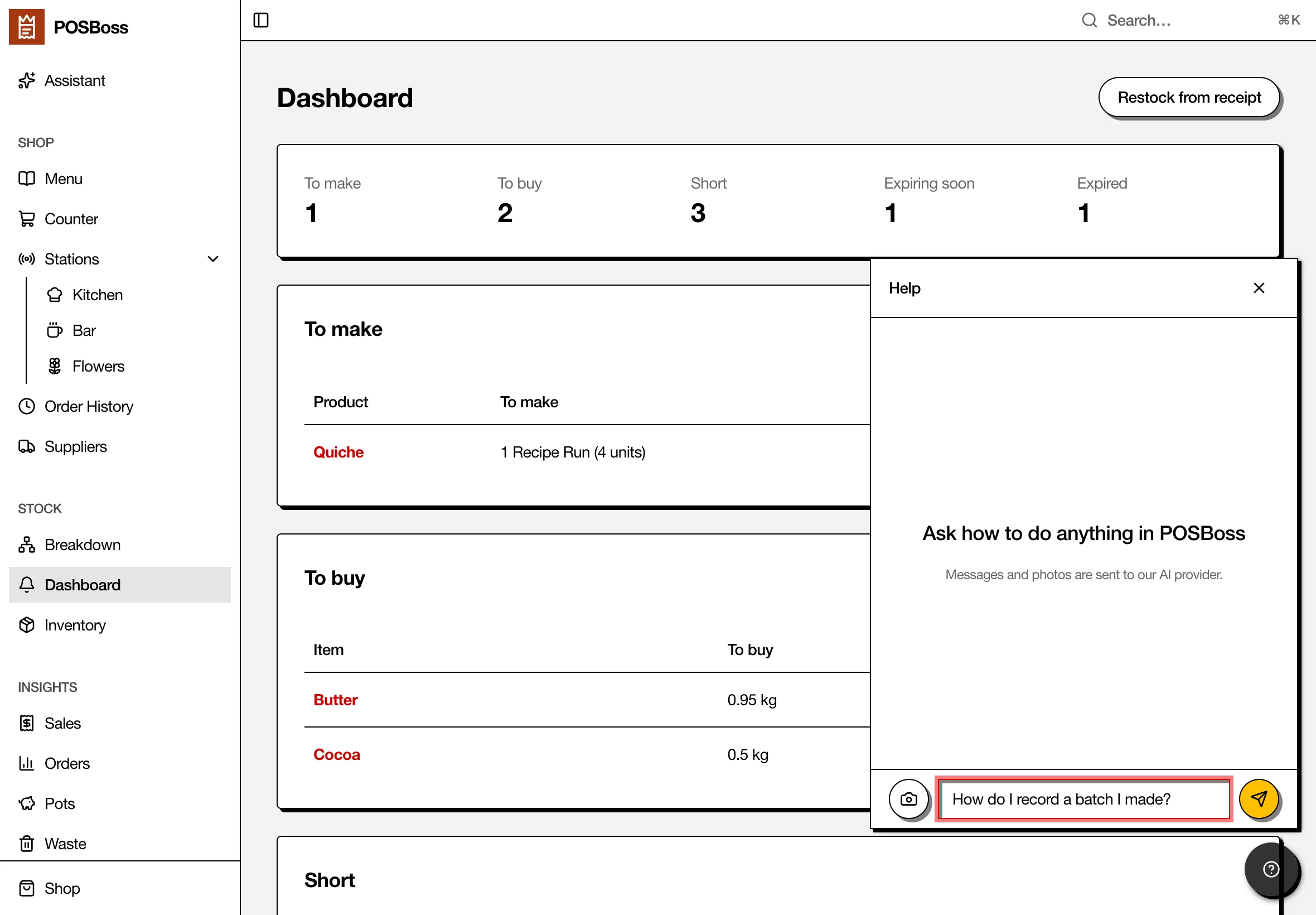
When someone on the team got stuck in the app, they usually asked me or tried to work it out themselves. I wanted them to be able to find the answer without waiting for me.
I was the manual. Questions could interrupt service, and a wrong guess could lead to a wrong tap on a real Order.
A helper that guessed would not have been much better. An answer that sounded right but invented a button was worse than no answer, because we only found out after we tried to use it.
Putting help within reach
Every signed-in page got a round Help button in the bottom corner. On the Counter it sat bottom-left, clear of Complete order. It opened the Assistant's chat in a popup above the button, and full screen on a phone. It was not on the Station board or the payment QR, where nothing should cover the screen.
You asked how to do something, in your own words. The Assistant answered from 13 help pages, one for each task an owner or staff member does in the app. It showed a line, "Looked up help", with what it searched for, so you could see where the answer came from. When the pages did not cover the question, it said, "The help pages don't cover that."
For example, we asked, "How do I record a batch I made?" The Assistant looked up help for recording a batch and gave the steps from the page on making a batch, with Make and Describe Recipe in bold.
The help pages were kept in step with the app. Every change a person using the app could see had to record its effect on the help pages before it was finished. Each time we deployed, the pages were uploaded again, so the Assistant searched the current ones.
Where we got it wrong first
Our first version put Help in the header of the back-office pages only. We looked for it on the Assistant page and did not find it. If the person who built the button could not find it, nobody else would during service. So we moved it to the same corner of every page, the Counter included.