"Can I pay for this one too?" Getting a QR back after Done
Day 2 · 16 Nov 2026 · Michele Memoli, café owner · 2 min read
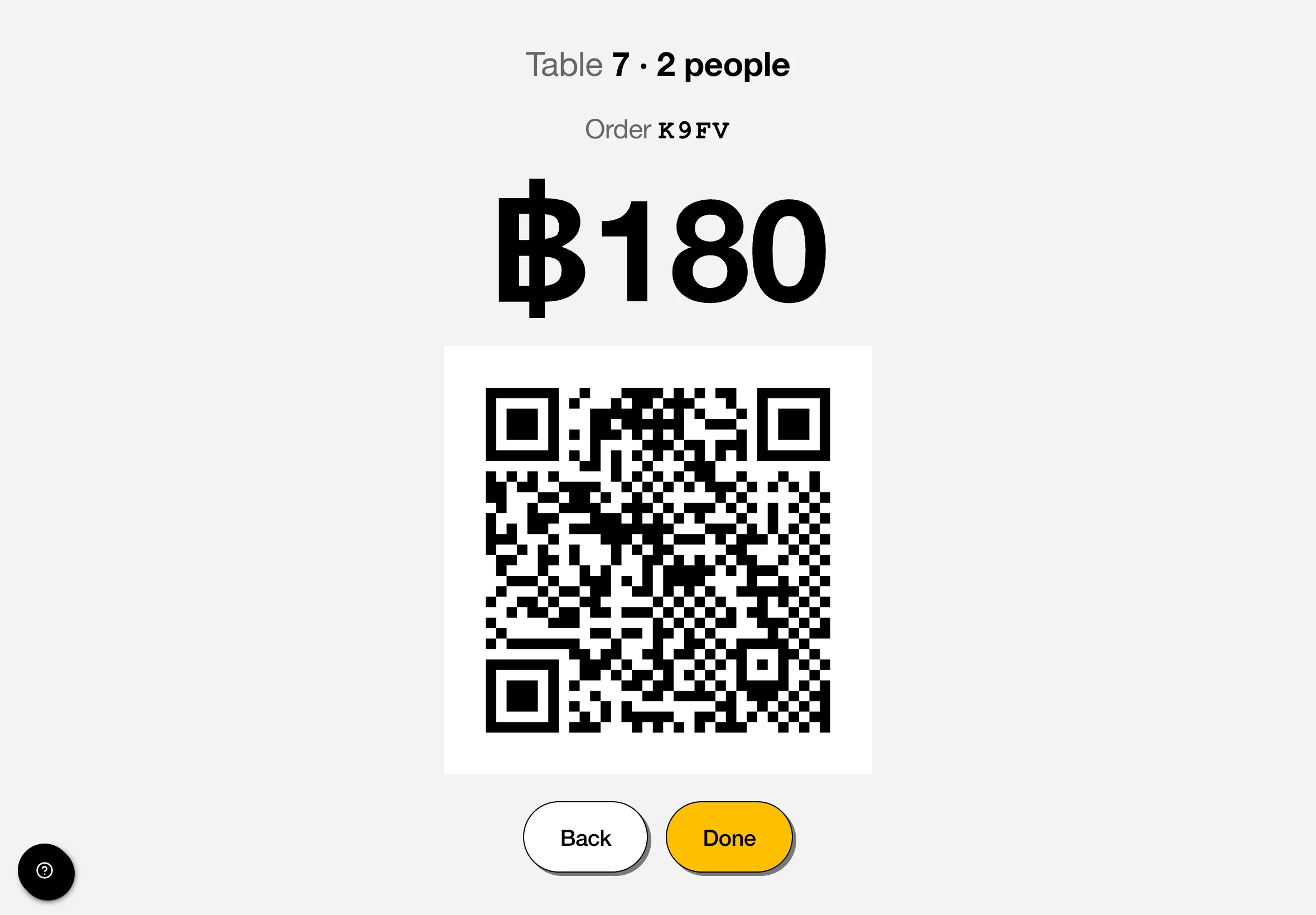
I pressed Done before a customer had scanned the payment QR. The Counter was ready for the next Order, but the QR we needed was gone.
After Done, the customer could type the amount into their banking app by hand, or we could start another Order just to get a QR on screen.
It was a small moment, but it made the counter feel clumsy.
Both ways out were bad. Typing an amount by hand was slow, and it was the customer doing the Counter's work. A second Order made only for its QR was a workaround, not a sale.
None of that should have depended on staff remembering to wait for the scan.
What we considered
The obvious fix was a question before Done: "Has the customer paid?" We did not do that. Every Order would have paid for it, every single time, to protect against a mistake that only happened now and then. At a busy counter, one more tap on every Order cost more than the rare early Done.
So we left Done alone and added a way back.
Getting the QR back
Every placed Order has a page in Order History. On it we added Show payment QR, next to Show receipt QR. Tapping it showed that Order's PromptPay QR for its total, full screen, laid out like the Counter's pay screen, so the customer could scan it. One Back button returned to the Order.
Some rules kept it honest:
- It was not offered on a voided Order, or on an Order whose total was zero, because there was nothing to pay.
- If the Shop had no PromptPay ID, it said what the Counter says.
- It recorded nothing. The page was a second look at the same QR, not a payment record.
It went live, and I told the staff where to find it: Order History, the Order, Show payment QR. We would find out over the next two weeks whether staff reached for it without help. If they did not, the answer was probably on the Counter itself, and we would rethink the confirm step.