My staff signed in with their own Google account
Day 2 · 16 Nov 2026 · Michele Memoli, café owner · 2 min read
Our staff worked at different Stations, but the Shop belonged to my Google account. If they wanted to use it, they had to use a device where I was already signed in.
On their own phones, they saw an empty Shop instead of ours.
Sharing one login also made it difficult to remove someone's access. I would have to sign out devices and hope I remembered them all.
Giving everyone their own sign-in
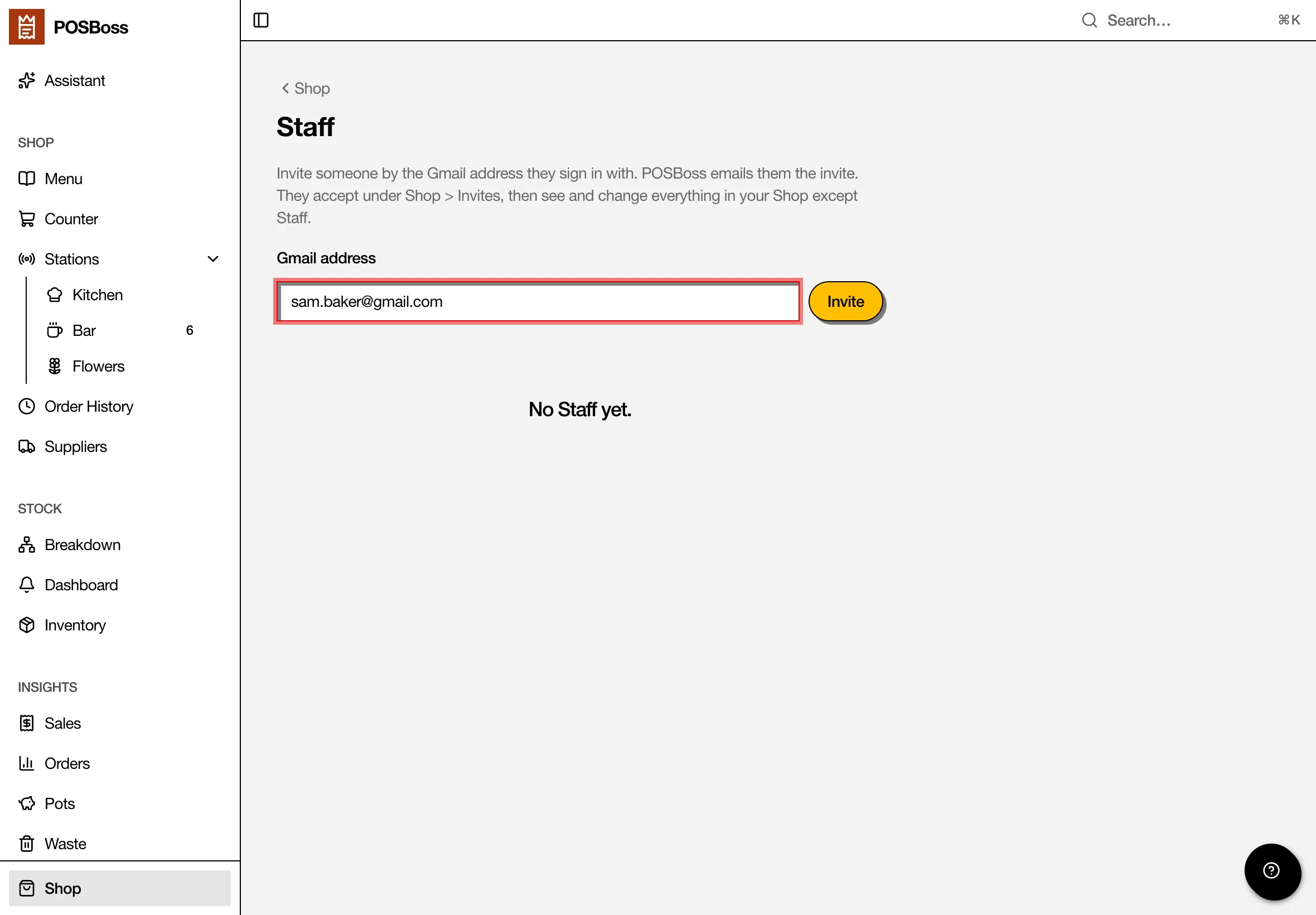
On the Shop page I opened Staff, typed a staff member's Gmail address and tapped Invite. The address had to be a Gmail address, and anything else was refused.
The invitee got an email from POSBoss that said who invited them and to which Shop. A button, Open your invite, took them to Google sign-in and then to the invite. Before the email existed, I had to tell them, outside the app, which address to use and where to look. Now the link did it.
They signed in with their own Google account, found the invite under Shop > Invites, and accepted. From then on they worked in my Shop. The Counter, the Station board, the Items and the Assistant all showed my Shop, not an empty one of their own. Their Shop page said they worked in it as Staff.
That was the whole change for a new hire. They did not set up a Shop, copy a password or ask me which iPad was signed in. They signed in on their own phone and saw the Orders and Items the café already had. An Order a staff member took on the Counter landed on my open-order board, and a Receipt they recorded from a shopping trip landed in my Batches.
The owner stayed in charge. Staff could not invite or remove Staff. I could see my Staff and any pending invites, withdraw an invite, or remove a member after a confirm. A removed member was back in their own Shop on their next page.