A maker only wanted a Menu, so we put stock behind a switch
Day 4 · 18 Nov 2026 · Michele Memoli, café owner · 3 min read
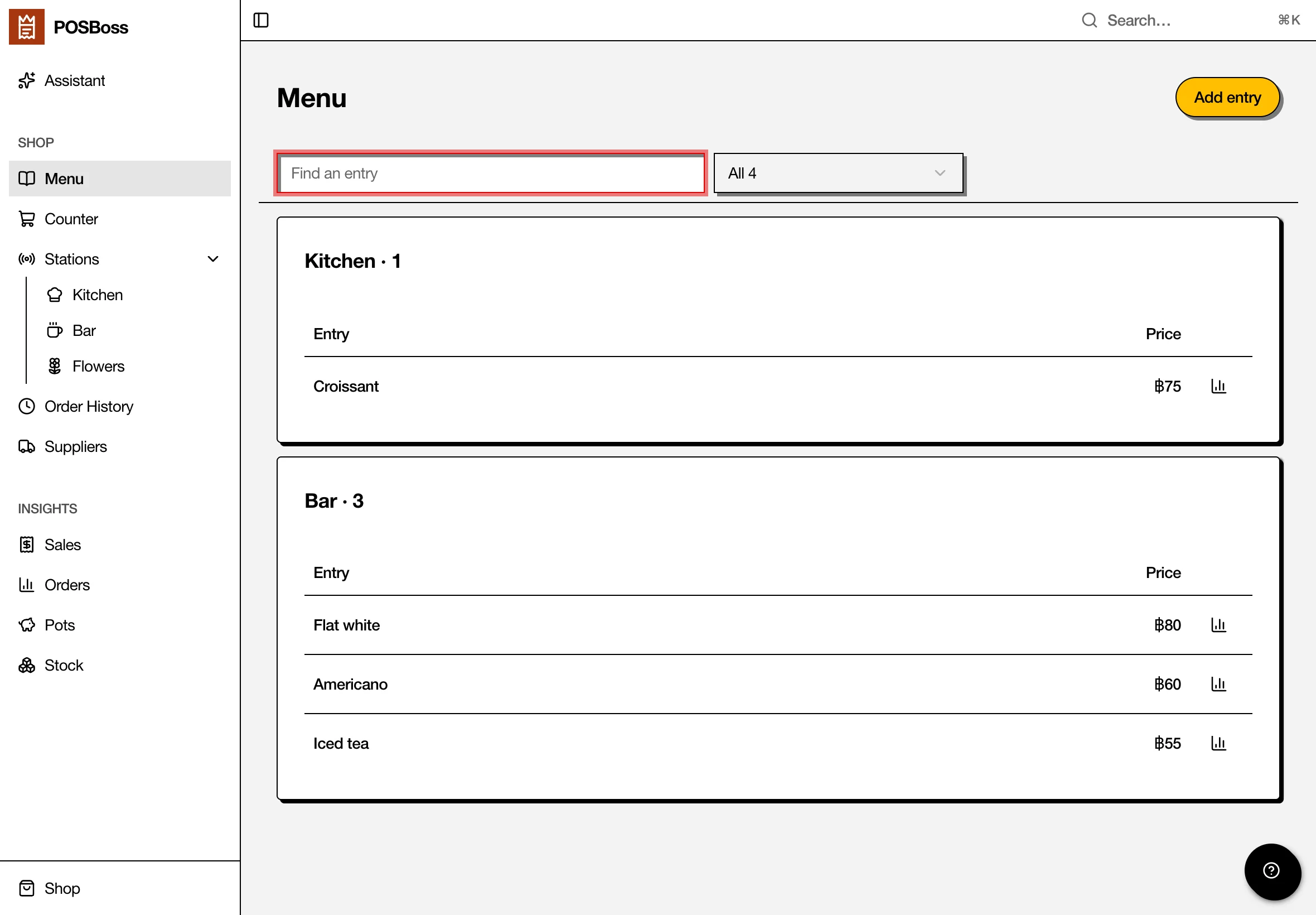
A maker who sells through our café signed in. She accepted the invite, went straight to the Menu and added her six things. She found it easy.
Nothing appeared on our Menu. She did not know why, and neither did I. Nothing on her Menu page said.
My guess was that an entry needed an Item, the thing stock counts. So I told her to create Items too. She typed the same six names a second time, without knowing why. She made them as "Made to order", which was right, and left out the Recipes, because she decided they were not needed. Her entries then showed up on our Menu, every one of them marked "Sold out".
Later I wrote down what I took from it: she did not want the stock feature. She wanted to collect orders when they came in.
We had built it the wrong way round
Every step she hit was what we had built. An entry with no Item was not offered to our Menu. A "Made to order" Product with no Recipe counted as zero, so its tile read "Sold out". The sidebar even opened with STOCK. We had assumed every Shop counted its stock, and a maker who came for the Counter had to get through Items, kinds and Recipes before anything sold.
In running a café, I wanted nothing to depend on remembering or guessing. A maker should not have had to guess what a screen was for before her first sale.
Starting with the Menu
Stock management became a setting. Anyone who worked in the Shop switched it on from the Shop page, the way they did for the Counter. A new Shop started with it off. Shops that already existed kept it on.
With it off, the sidebar led with the Menu and held no stock pages. The Menu's sheets asked for no Item. The Counter showed no count and no "Sold out", and every tile added to the Order. A maker could build a Menu and take Orders in her first session without ever meeting stock.
We then did the same to the words around the product. The landing page, the help pages and the Glossary started with the Menu and the Counter and mentioned stock once, as something a Shop could turn on. The Assistant, which drafts a Menu from a photo, followed the setting. With stock off it talked about Menu entries and prices and never asked what a thing was made from.
I did not claim this worked yet. We would know when new Shops built a Menu and took Orders with stock still off, and we had not seen that.