Day one, 13 Orders, and some taps took 8 seconds
Day 0 · 14 Nov 2026 · Michele Memoli, café owner · 3 min read
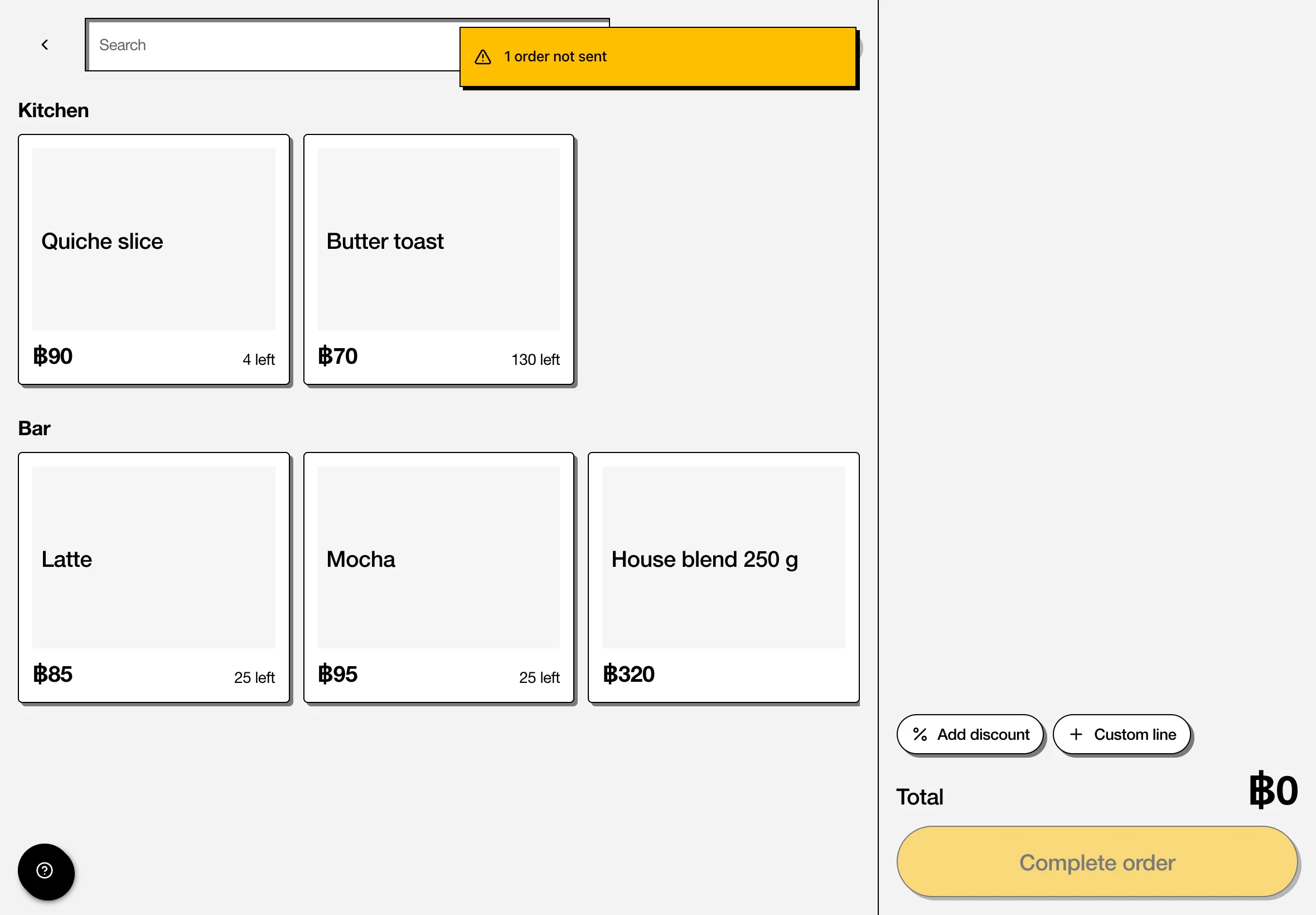
We opened that day and rang up 13 Orders. The Counter iPad was stressful to use for most of them.
Moving between screens took up to 8 seconds. Some placed Orders showed a "not sent" warning for a moment and then turned green. And on the iPad there was no way to clear the search box, so the next customer's search started from the last one.
The first thing everyone blamed was the wifi. We had already turned the wifi off before opening to see what the Counter did without it, so I knew that was not the answer. It was something slower and more boring.
A counter was the one place where slow cost you in front of a customer. Staff stopped trusting a screen that sometimes took 8 seconds. They tapped again, or they stopped and waited with the customer watching. And a "not sent" warning on an Order that did go through made everyone wonder whether it really had.
What we found
I looked at what was happening on the live app, not on my own laptop. Three things were slow, and none of them was the wifi.
The first request of the day waited on seven jobs, one after another. The server woke up when it was first asked for something, and on waking it caught up on seven Counter jobs before it answered. Each one took about half a second, and they ran in a line. One read of the Menu took 4.9 seconds that way. A read of the day's figures took 12.2. A placed Order stuck behind the same wait took over 3 seconds, and the Counter showed "not sent" after 3 seconds. That was why a good Order flashed a warning first.
Every screen checked who you were, three times. Each request looked up your session in the database, then your user, then your shop: three trips in a row. Moving between Counter screens chained three or four of those requests.
An Order could wait for no reason. If you finished an Order while the one before it was still being sent, the new one was skipped and sat until the next check, five seconds later.
What we fixed after service
The seven jobs started together after that, so waking up cost about one trip instead of seven.
The app then trusted a signed copy of your session for 5 minutes, so most requests skipped the lookup. The cost was a small one and I accepted it: if someone was removed from the Shop on another device, the iPad could keep working for up to 5 minutes.
A new Order was sent as soon as the one before it finished. Pressing Done then cleared the search, and the search box got a clear button that shows on iPad Safari.
We also made Ingredients on a Product's page link to their Items and show how much stock was left, which had been on the same list.